
VOICE COMMANDS

Say what you need.
Put every setting in place.

Describe dimensions, resolution, white ink and margins in a clear instruction. Review the interpreted task and parameters, then confirm execution. Typed instructions are also supported.

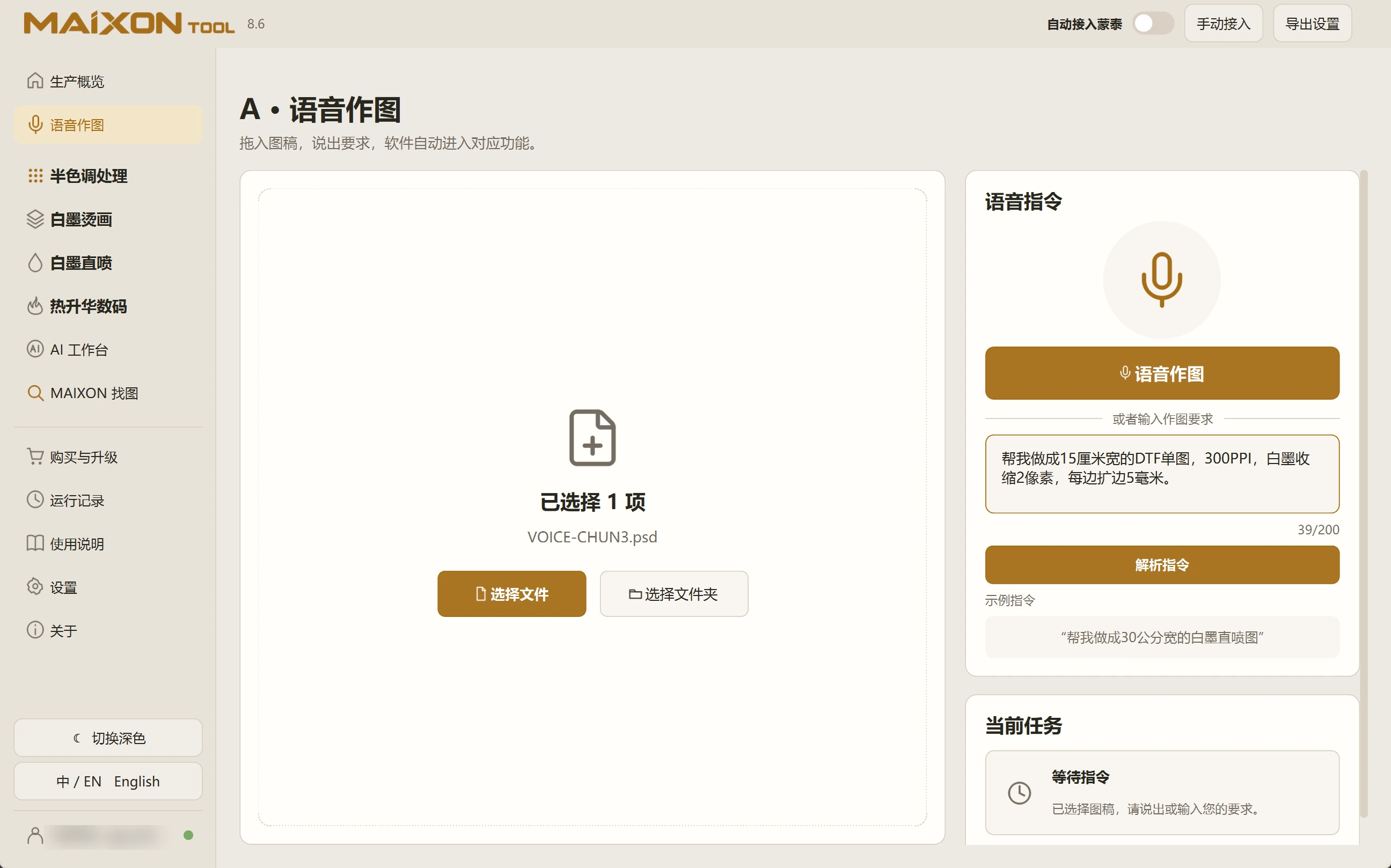
MAIXON TOOL V8.6 VOICE COMMANDS — light interface
VOICE COMMANDS

Explore each capability.

Start your first task in this order.

  1. Select a file or folder
  2. Speak or type a clear instruction
  3. Review the task and production settings
  4. Confirm, run and inspect the exported result

A few details to check.

  • Start with one clearly defined task per instruction.
  • Specify width or height and include units.
  • Speech recognition and command parsing require a network connection.

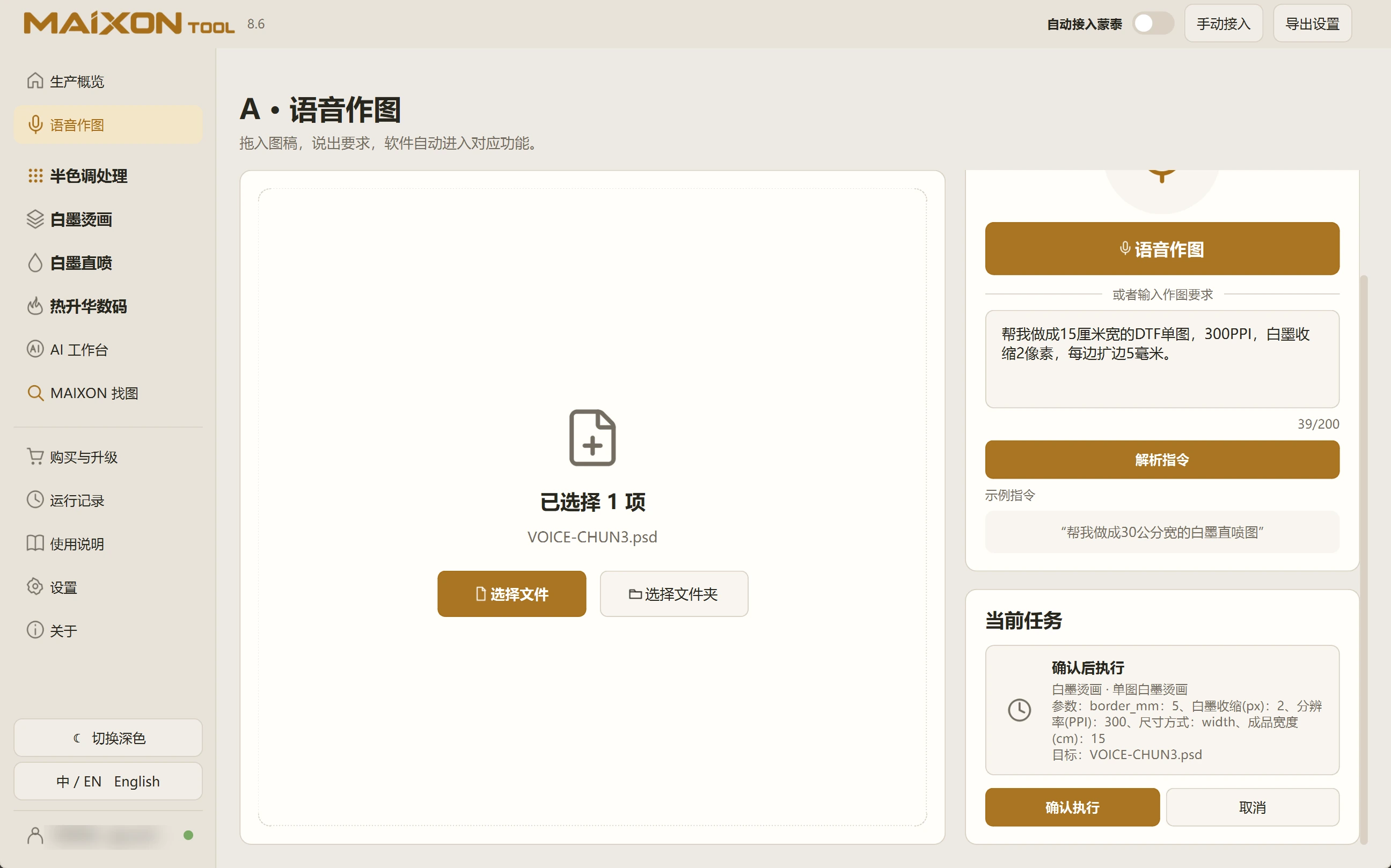
For example: prepare a 15 cm wide DTF print at 300 PPI, with a 2 px white-ink choke and 5 mm margins on every edge. Speak or type your request, review the interpreted settings, then confirm.

01 · Choose the artwork

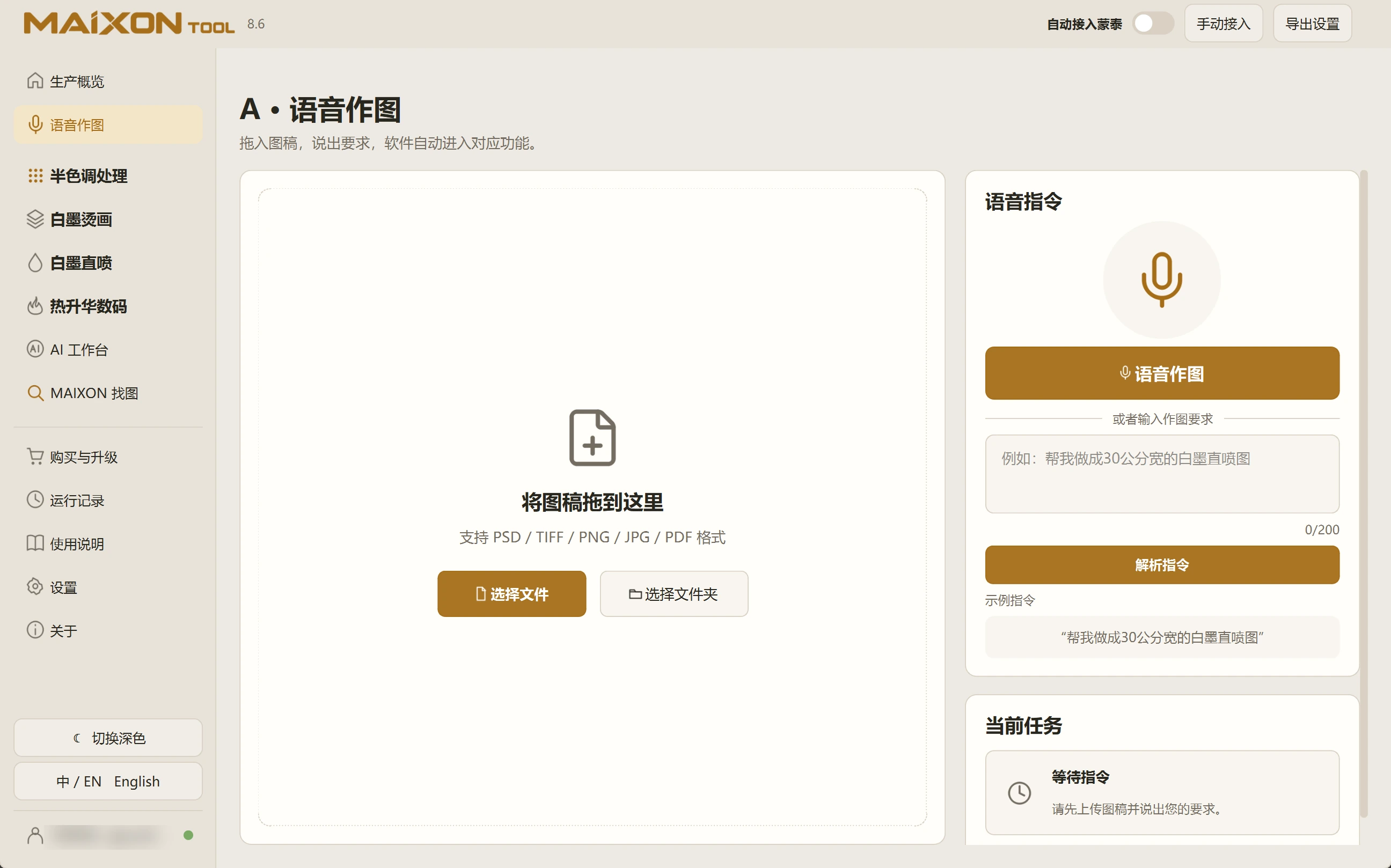
Open Voice Commands and select the intended file or folder. Start with a single artwork for a single-image task.

For Photoshop-based tasks, confirm Photoshop is running and connected. Keep originals and use a separate output folder.

02 · Describe a precise task

Use the recording control and review the recognized text, or type directly. Include the operation, size and units.

Example: make a 15 cm wide DTF print at 300 PPI, with a 2 px white choke and 5 mm margins on every edge. Correct the instruction before parsing again.

03 · Review before confirmation

Check the interpreted task, input, dimensions, resolution, white ink and margins. Scroll through the confirmation panel before running.

If any setting is wrong, return and correct it first. The interpretation is a draft of your production settings.

04 · Inspect the result

Inspect the exported file in Photoshop, including dimensions, resolution and W1. A 15 cm artwork plus two 5 mm margins produces a canvas about 16 cm wide.

Check artwork size and canvas size separately. For speech input, review the recognized text before parsing.

Explore every view.

Choose your operating system

Select the version that matches your computer.

  1. 01

    Windows 7

    V8.3

    Download
  2. 02

    Windows 10

    V8.3

    Download
  3. 03

    Windows 11

    V8.3

    Download
  4. 04

    macOS

    Coming Soon