
01
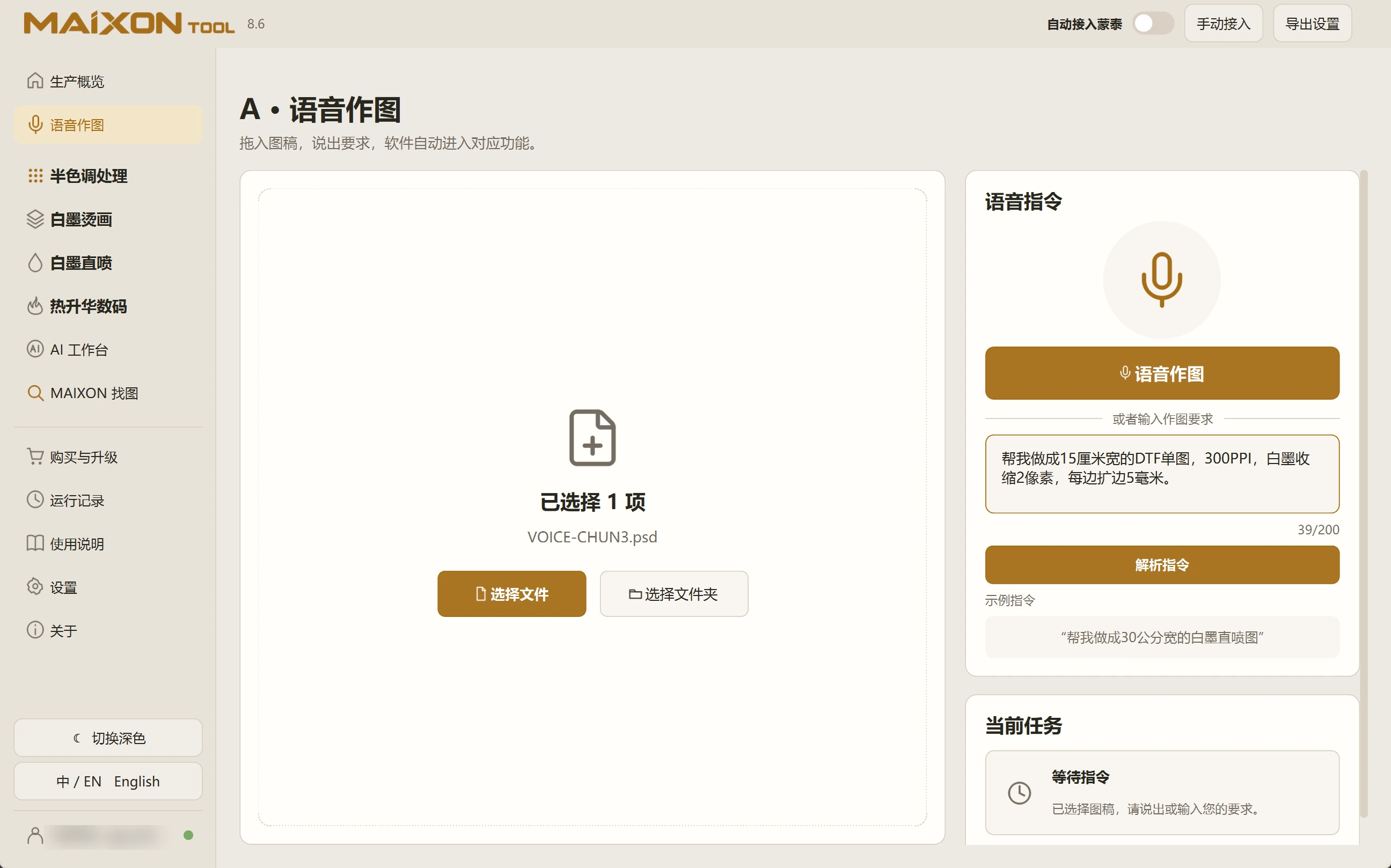
Specify the operation and values.
For example: prepare a 15 cm wide DTF print at 300 PPI, with a 2 px white choke and 5 mm margins on every edge. Select the artwork and enter the request.
Start with one defined task per instruction. Submit more complex workflows in stages so each result can be checked.
02
Review the settings, then run.
Parse the instruction and inspect the task card. If anything differs from the order, edit the request and parse it again.
After execution, inspect the output. A 15 cm artwork with 5 mm on each side produces a canvas about 16 cm wide. Check artwork size and canvas size separately.