
01
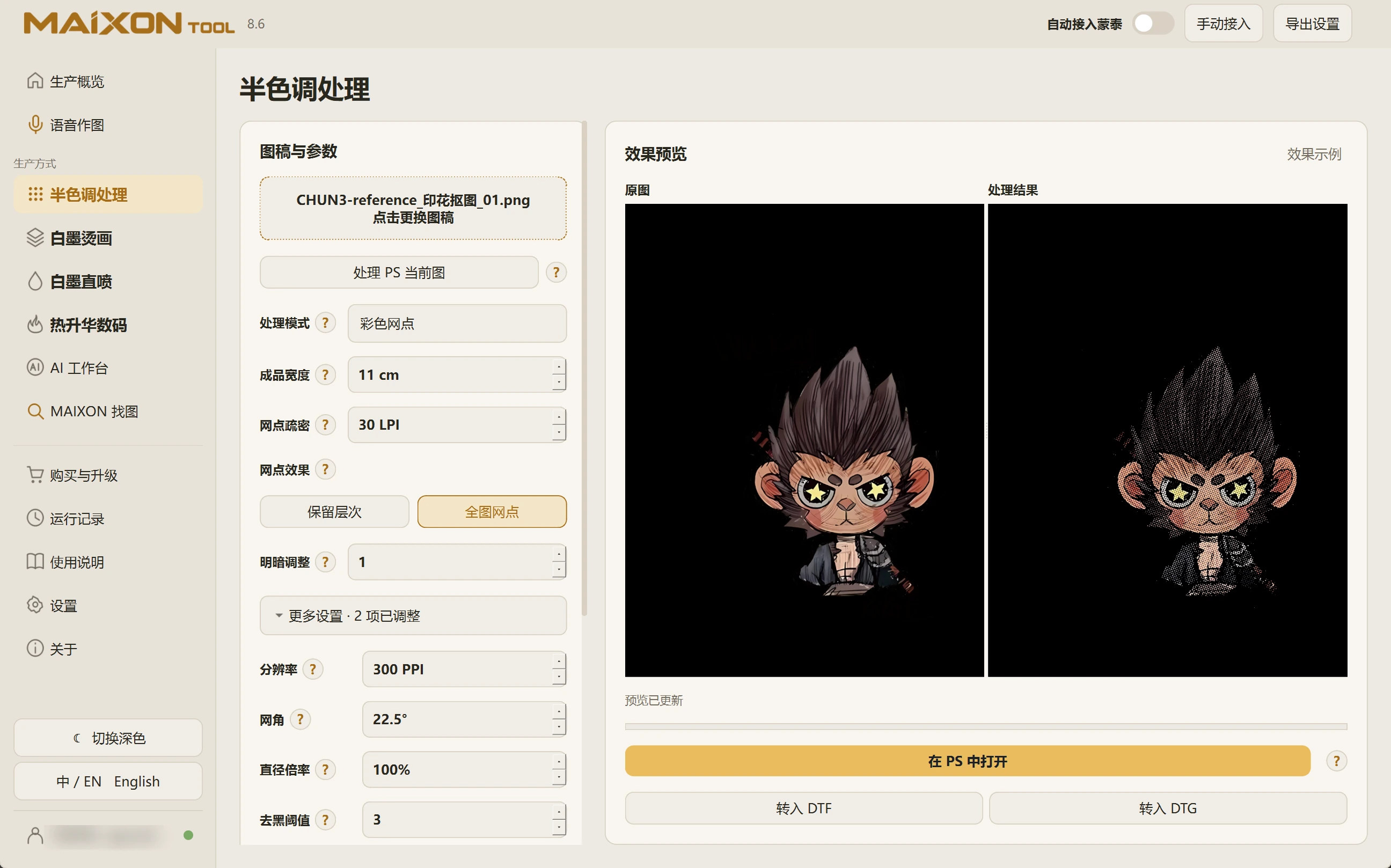
Set the size before refining the dots.
Enter the physical width, then adjust LPI. LPI describes dot density; PPI describes image resolution. Set them independently.
Compare brightness and dot effects. Recheck the result after changing physical dimensions.
02
Open additional settings.
Review resolution, screen angle, diameter multiplier and black-removal threshold. Change one parameter at a time to understand its effect on edges and tones.
Inspect the saved image at print size and use a physical sample to confirm production settings.