01
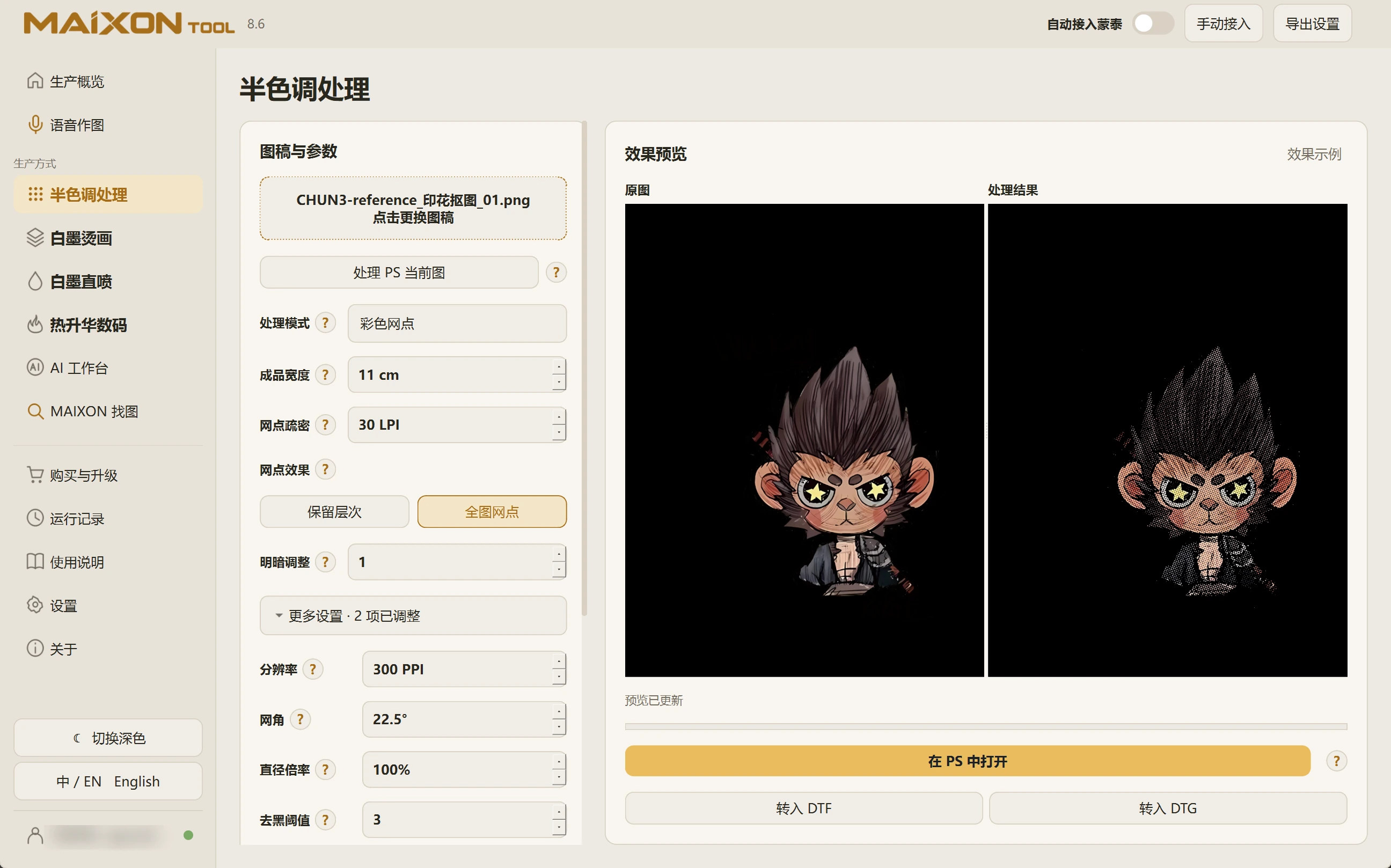
Inspect the result and choose a workflow.
Open the result in Photoshop to check details and physical dimensions. Choose the DTF or DTG entry for the order.
Halftone controls the image's dot effect. In the production module, review white ink, choke and margins for the task.
02
Export and continue into MainTop.
Check production settings and generate color and white channels. For layouts, also verify quantity, spacing and complete edges.
Enable automatic MainTop integration as needed to continue preparing the files before printing.