
01
Open Local History.
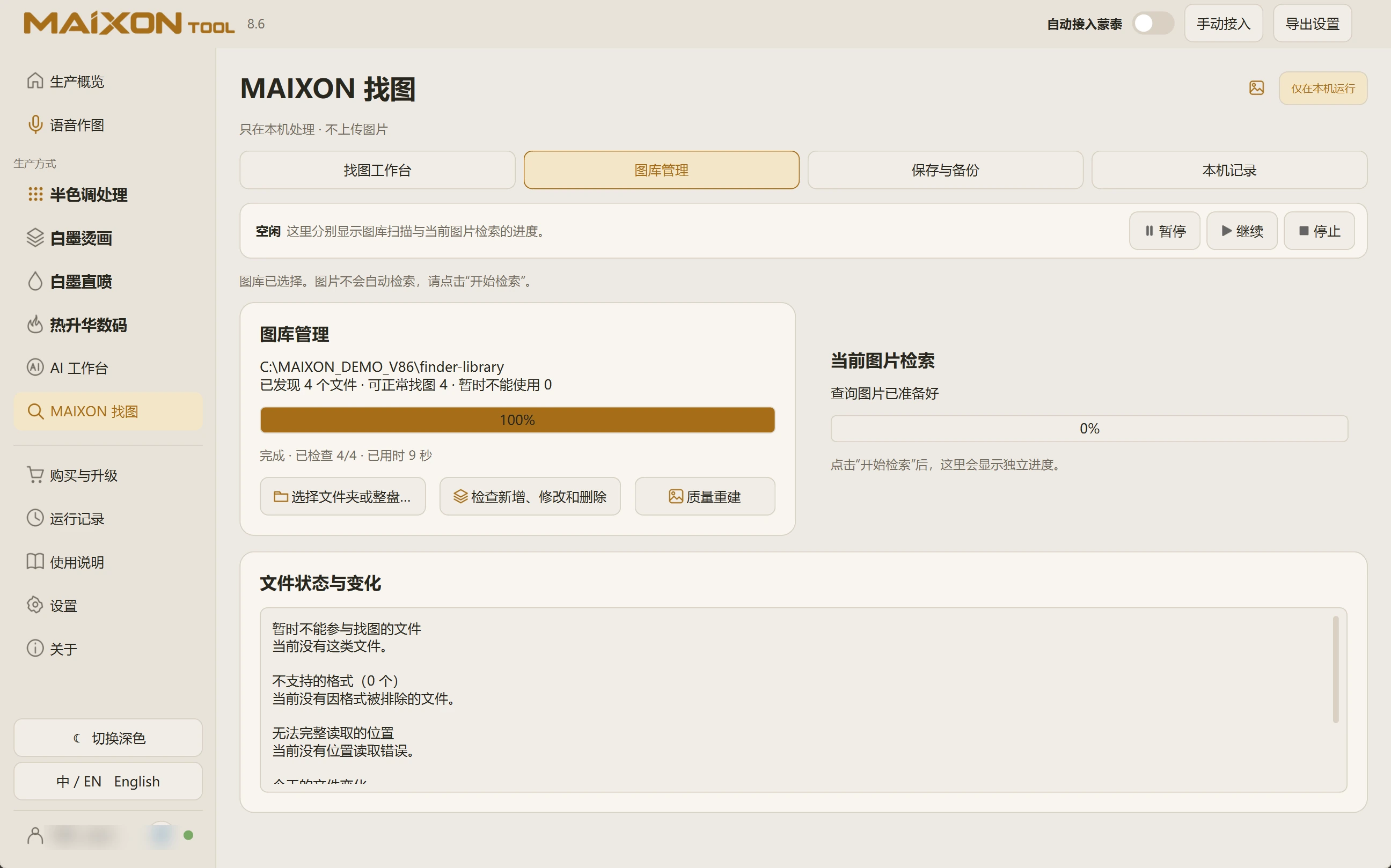
Open MAIXON Image Finder and select Local History at the top, beside Library Management and Save and Backup.
When artwork does not appear, also check library preparation, the selected reference and unavailable-file status.
02
Keep history and artwork distinct.
Local records describe activity on this computer. Indexes, previews and original artwork are separate items.
The external-drive backup does not include local search history. Confirm which originals and data you need to retain when organizing files or changing computers.