
01
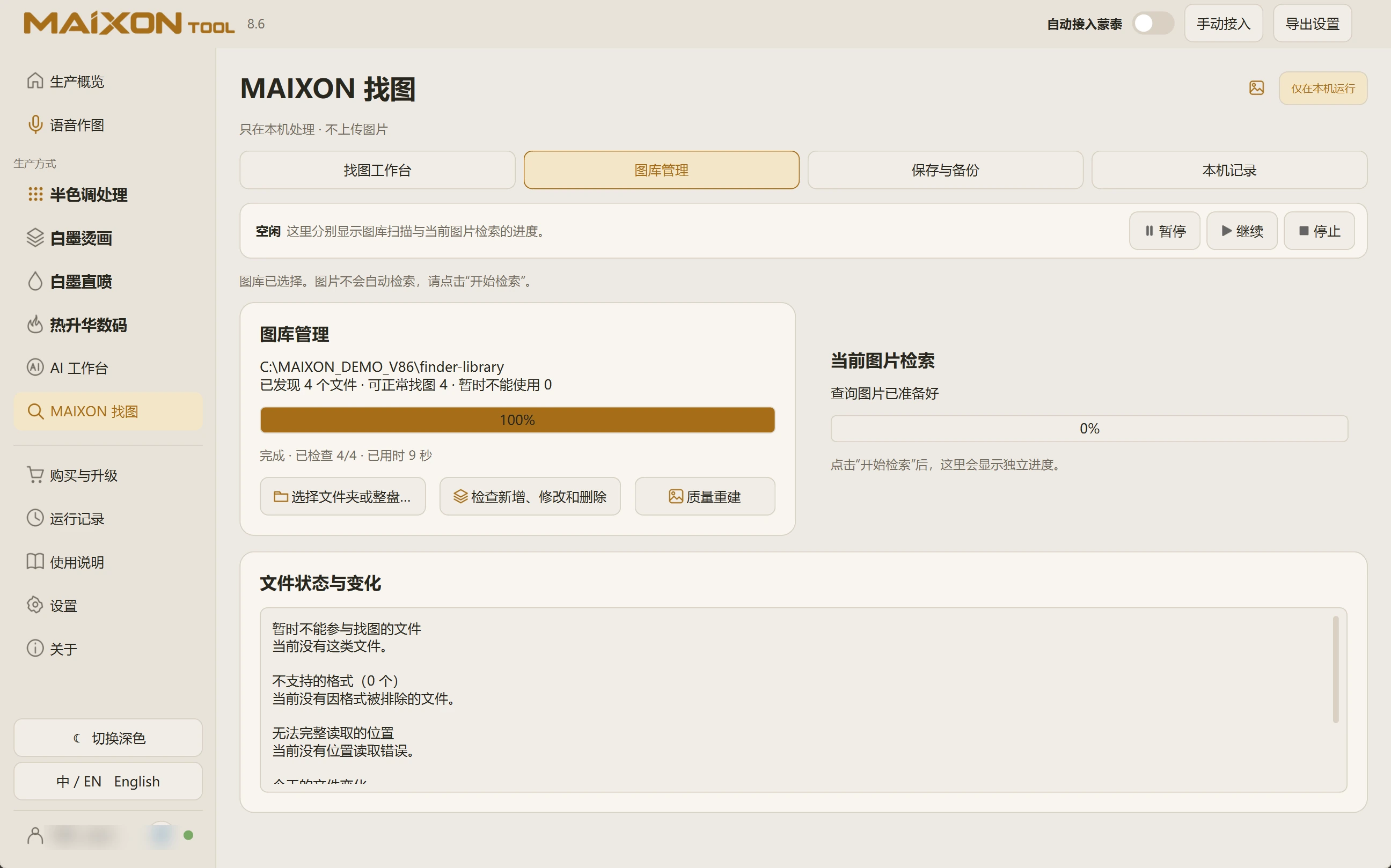
Check changes after editing the collection.
After adding, changing or moving artwork, use the library control to check additions, modifications and deletions.
Review progress and file status. Use Pause, Continue or Stop when you need to interrupt processing.
02
Resolve unreadable files by their status.
Review unavailable files, unsupported formats and unreadable locations. Confirm that paths are accessible and the originals open normally.
For unreadable PSDs, retain the originals and export RGB reference images for searching. Confirm the selected library before using Quality Rebuild to prepare search data again.