
01
Load a reference and start searching.
Choose a prepared library and import the reference image. Confirm the picture, then start the search.
Preparing a library and searching an image are separate steps. Selecting the library does not automatically start a query.
02
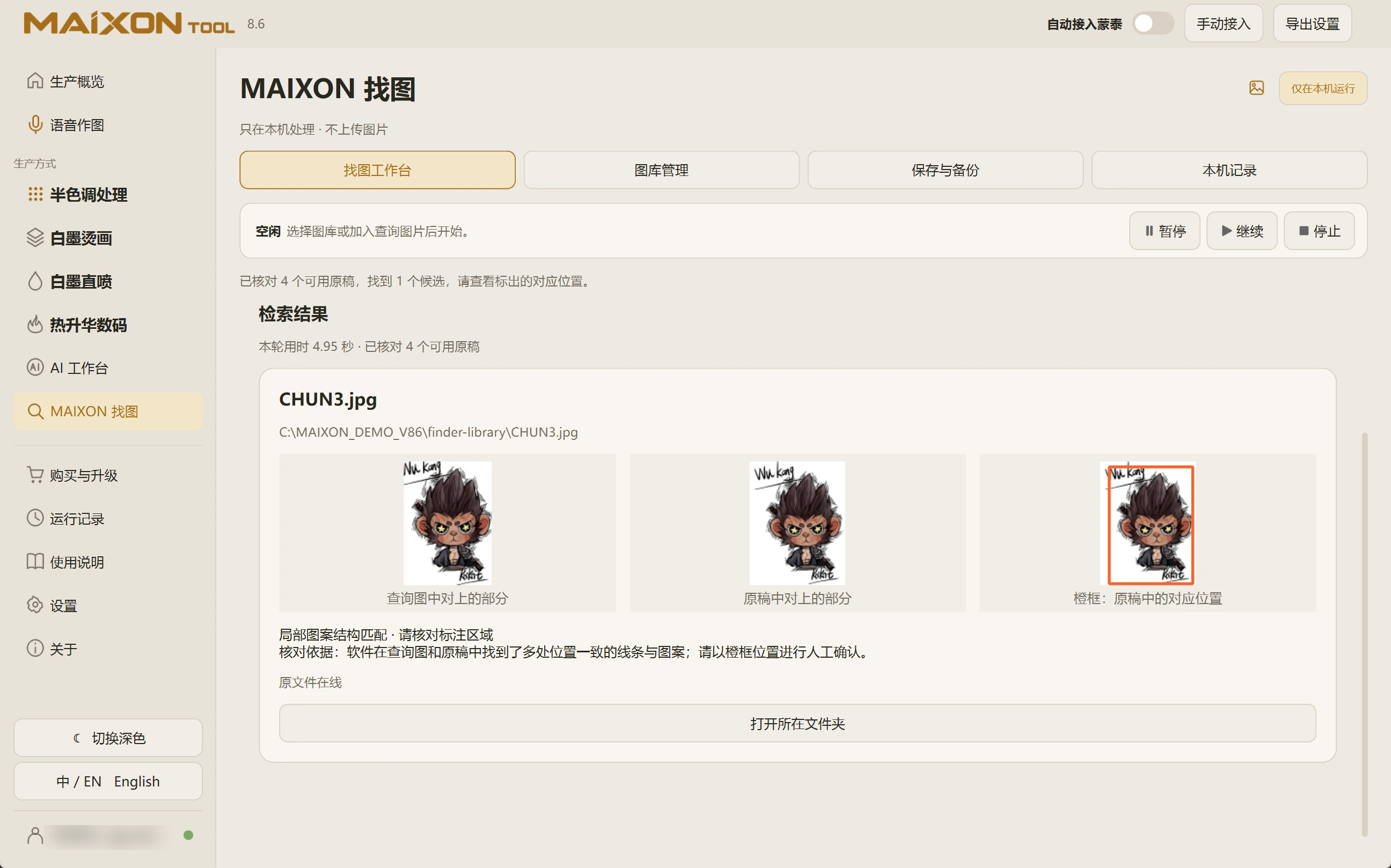
Compare and locate the original.
Compare the subject, lettering, details and matched region. Locate the original file to inspect the complete design and file quality.
When clothing or background dominates the reference, switch to region search and select the intended print.