01
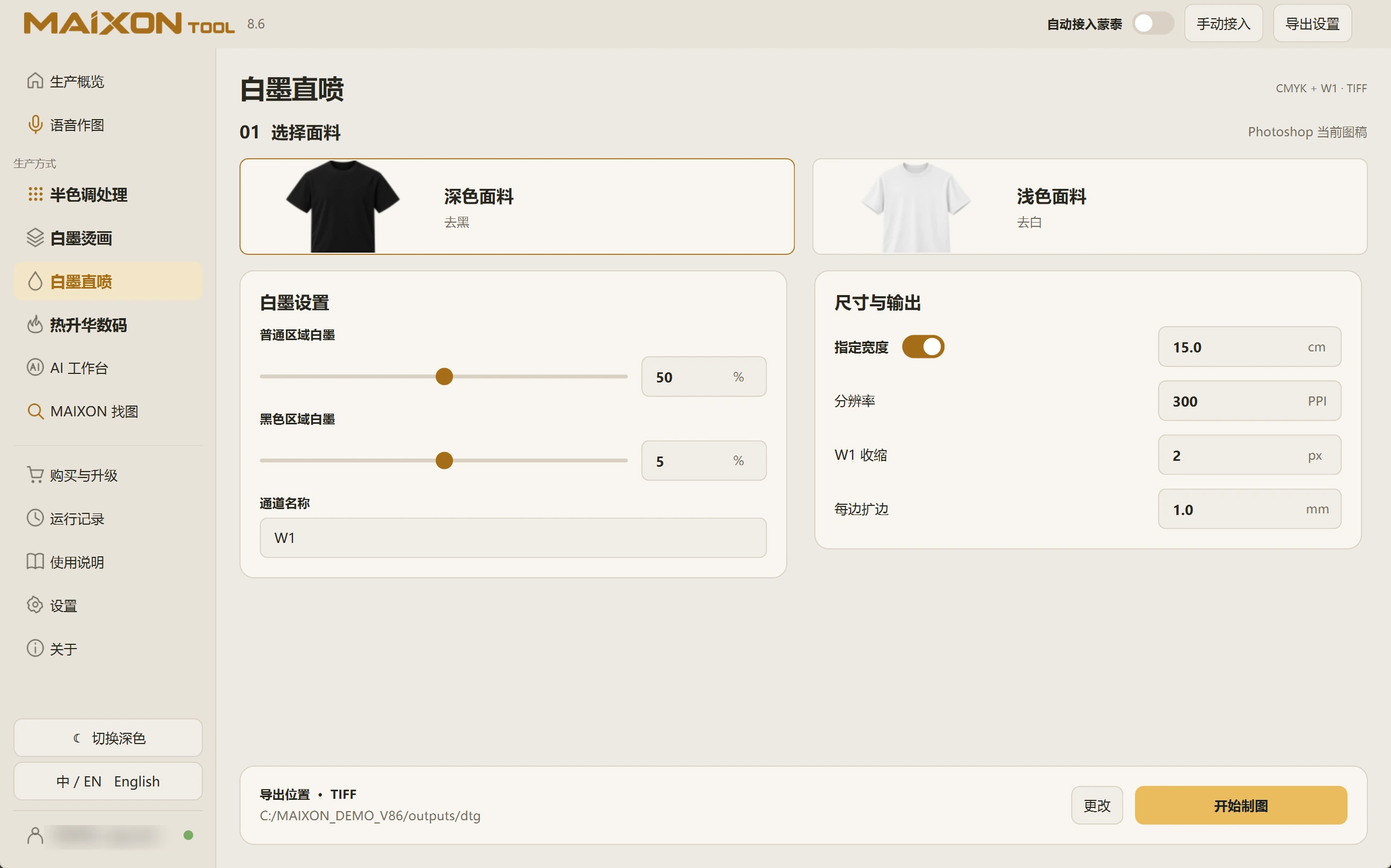
Two regions for dark fabrics.
Set regular-region and black-region white ink separately to balance the fabric base and the required coverage.
5% white ink for black regions refers to underbase quantity. It does not remove 95% of the color artwork or set overall image opacity to 5%.
02
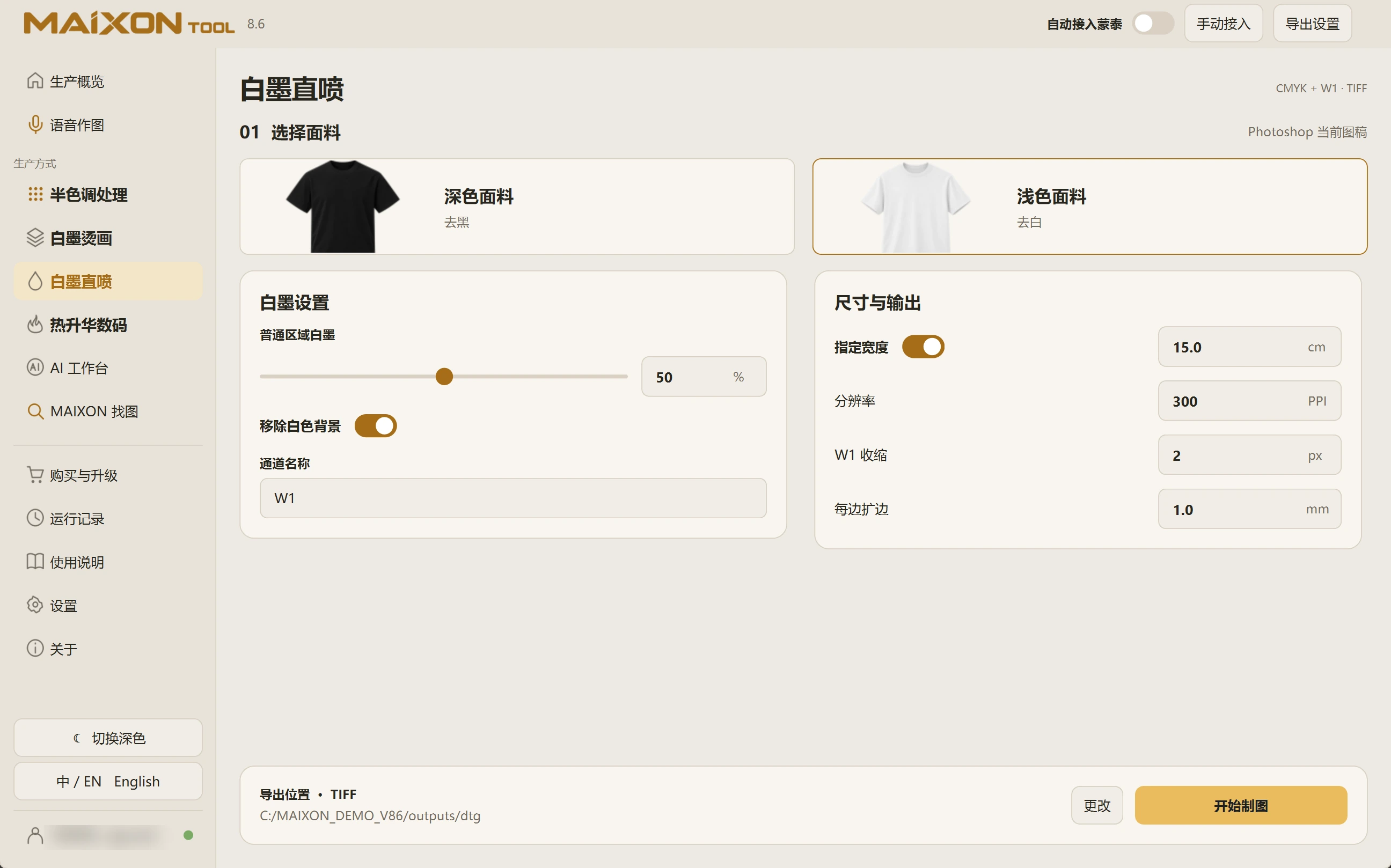
Inspect coverage for the actual fabric.
Review available controls after changing fabric type. The light-fabric workflow provides regular-region white ink and white-background removal.
Inspect color and W1 in Photoshop, then choose the amount using the actual ink, device and fabric sample.