
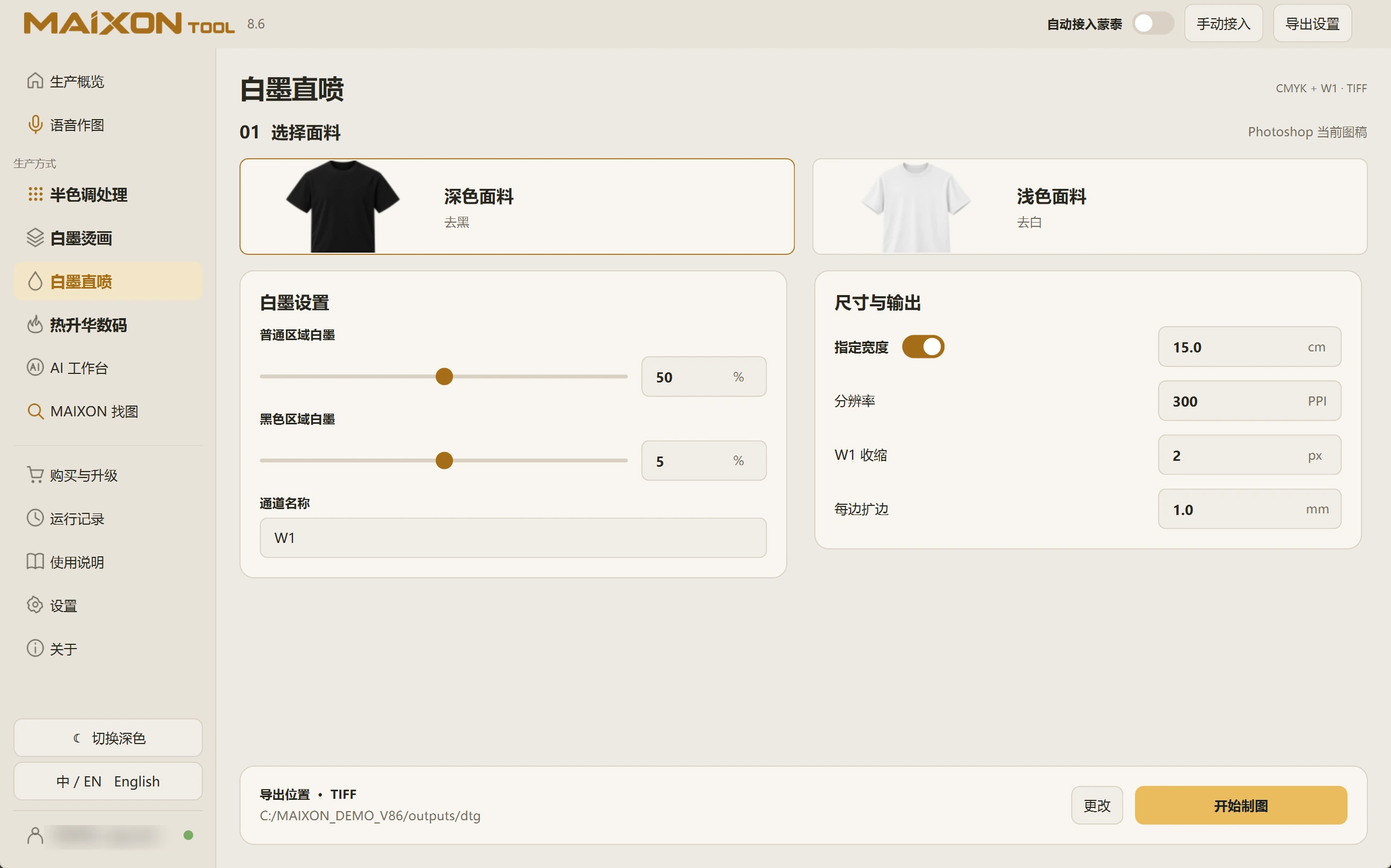
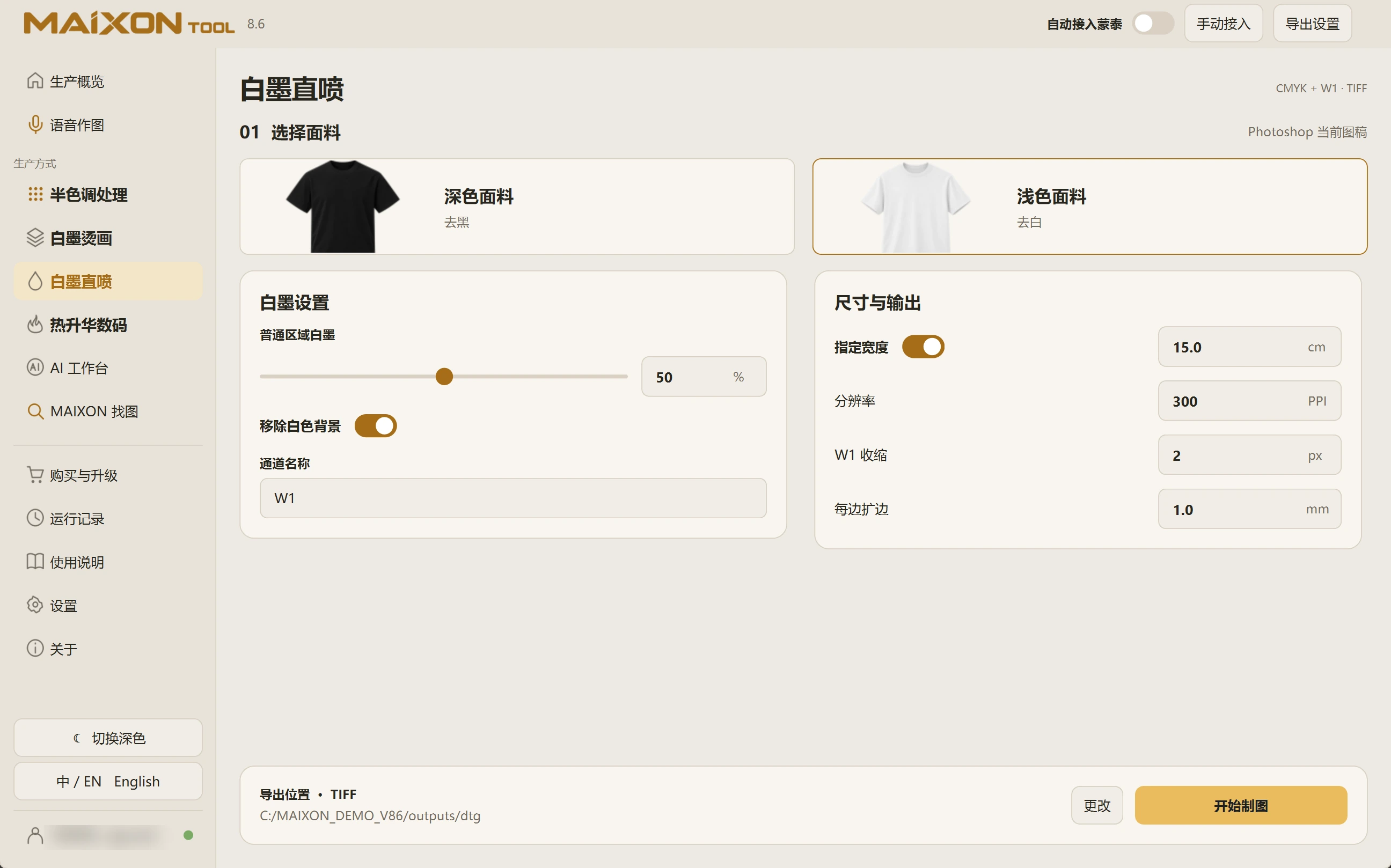
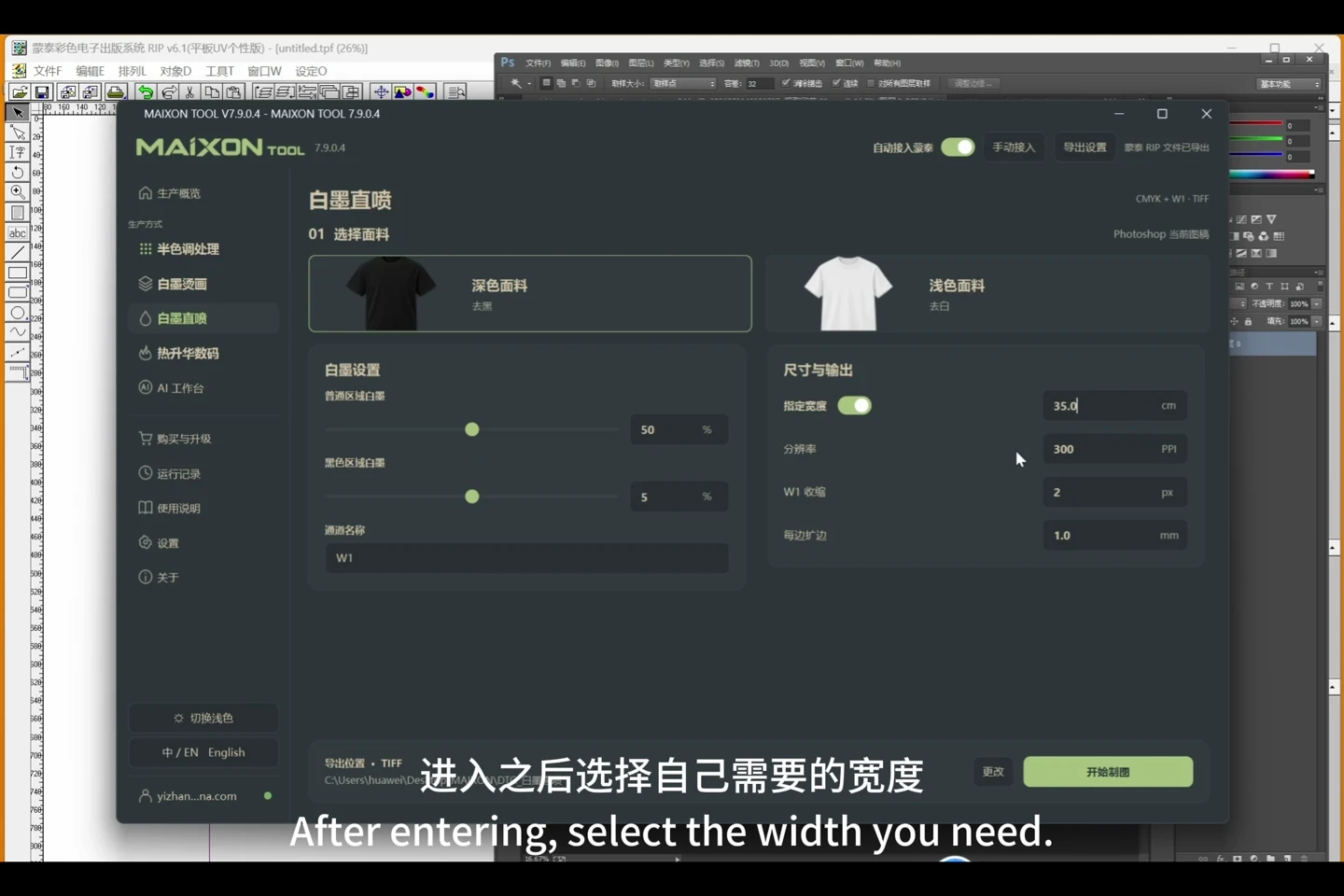
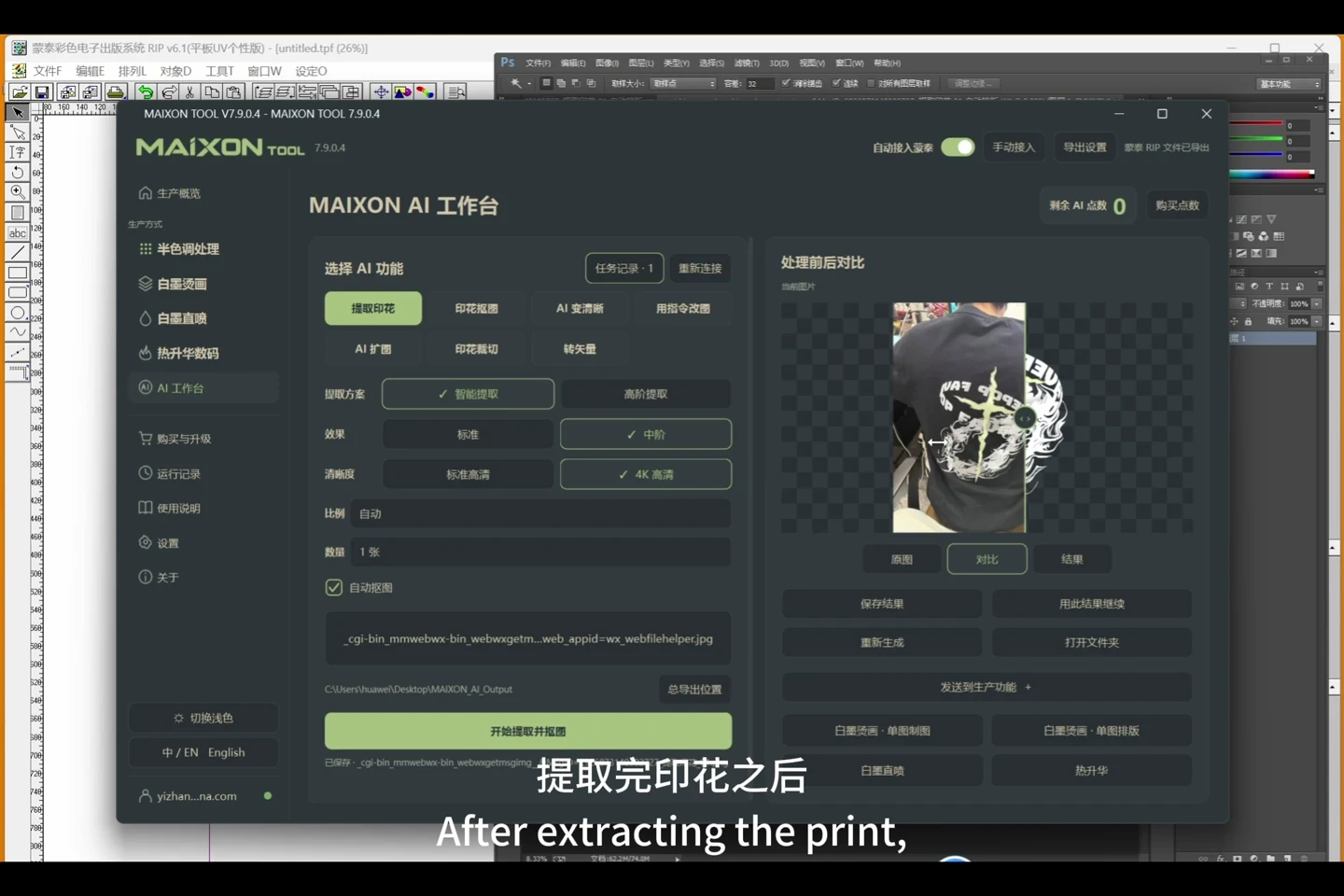
Start your first task in this order.
- Open artwork and choose the fabric type
- Set white ink for regular and black regions
- Review dimensions, W1 choke and edge margins
- Run and inspect the color and white channels
A few details to check.
- 5% white ink for black regions refers to underbase quantity, not color opacity.
- Adjust for the actual fabric, ink, device and print sample.
- Inspect channels before RIP processing and retain the original artwork.