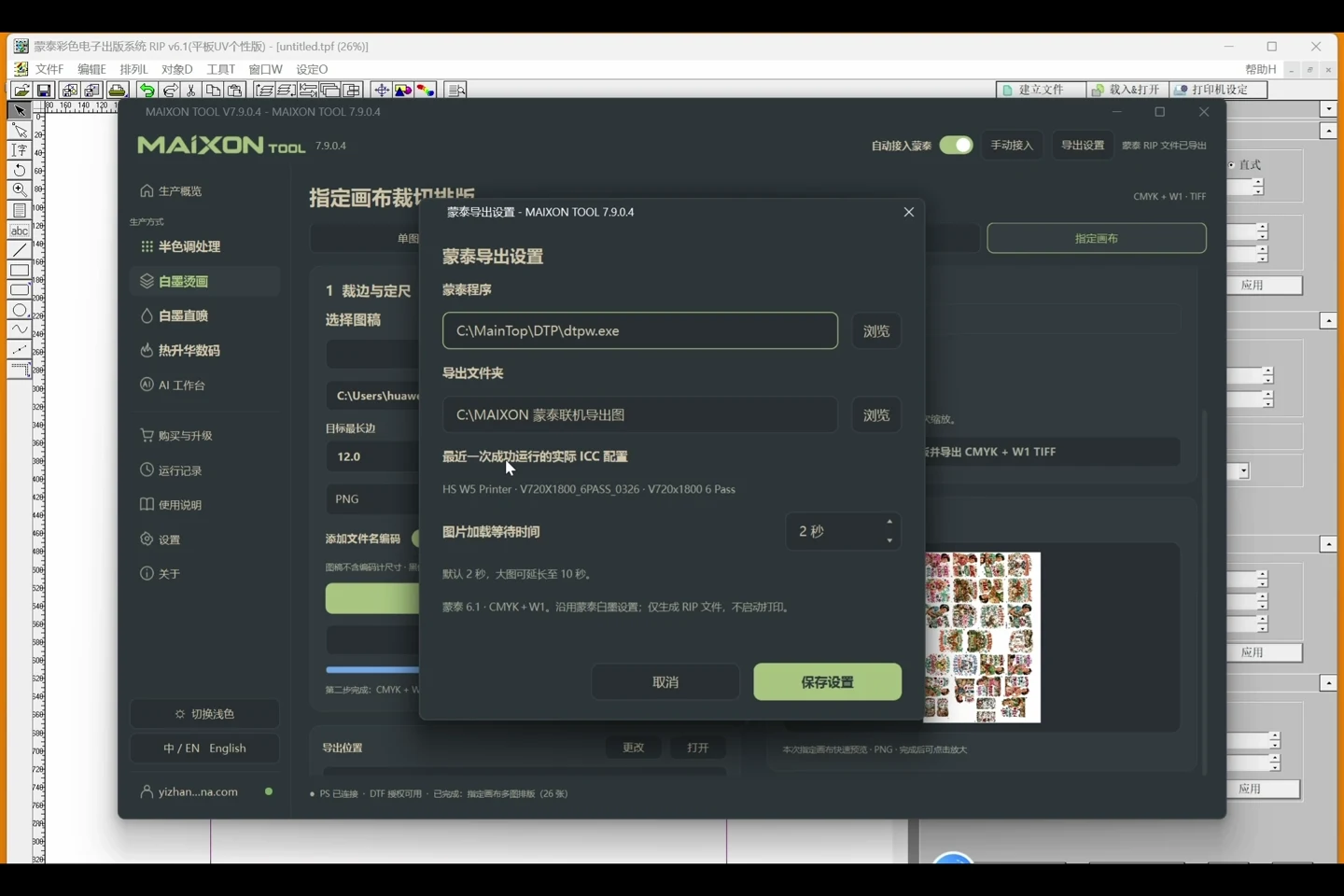
Artwork, white ink and MainTop. Connected.
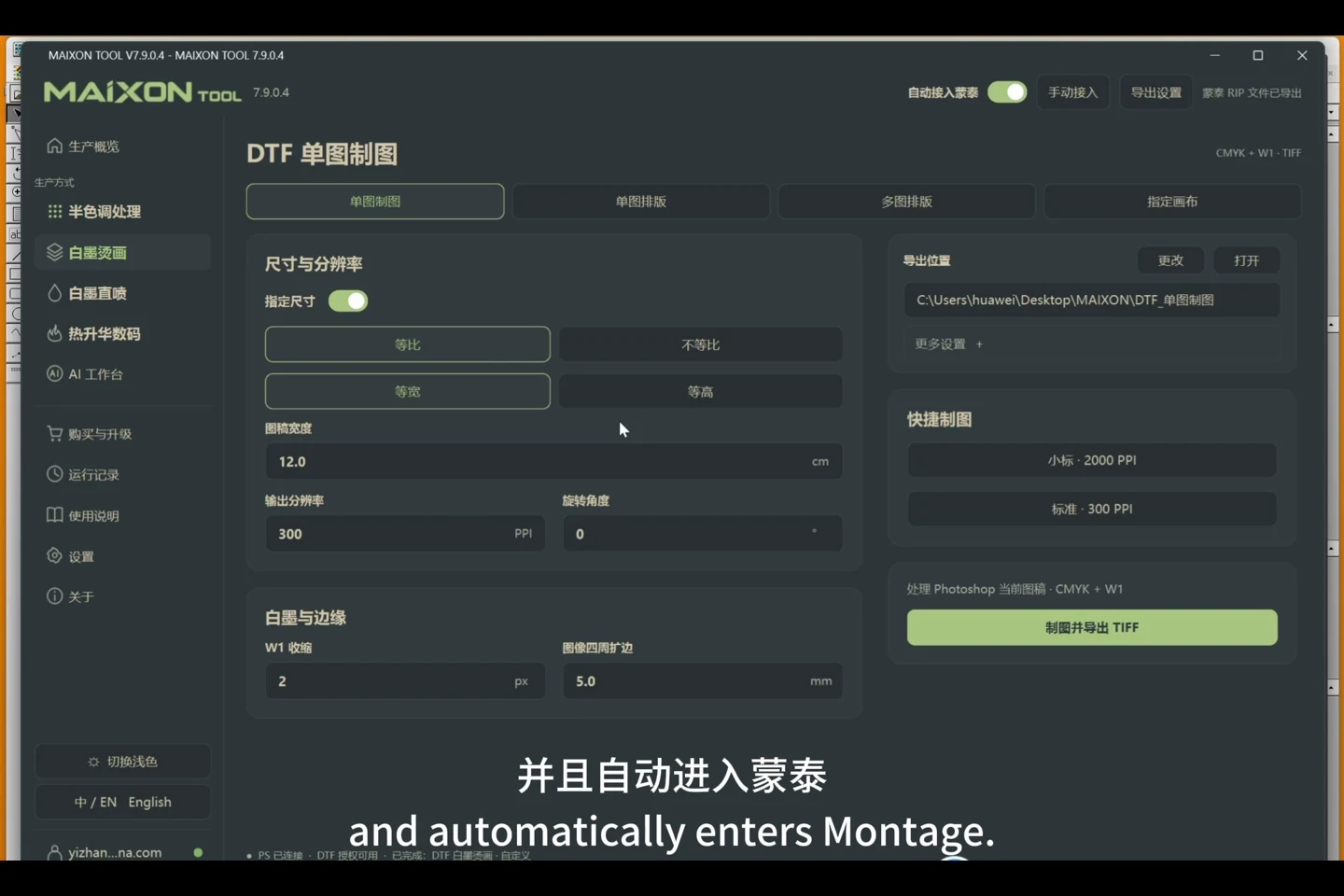
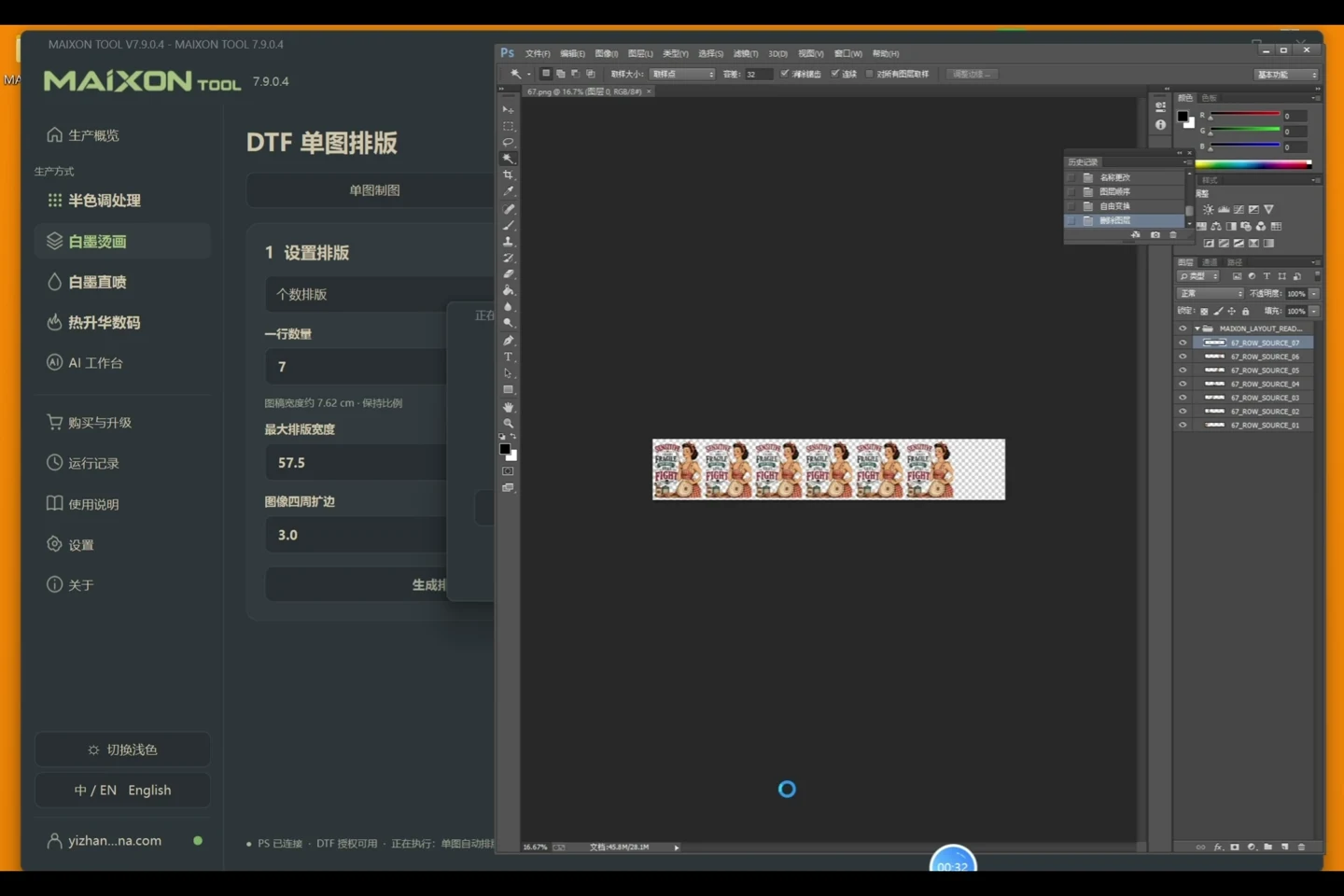
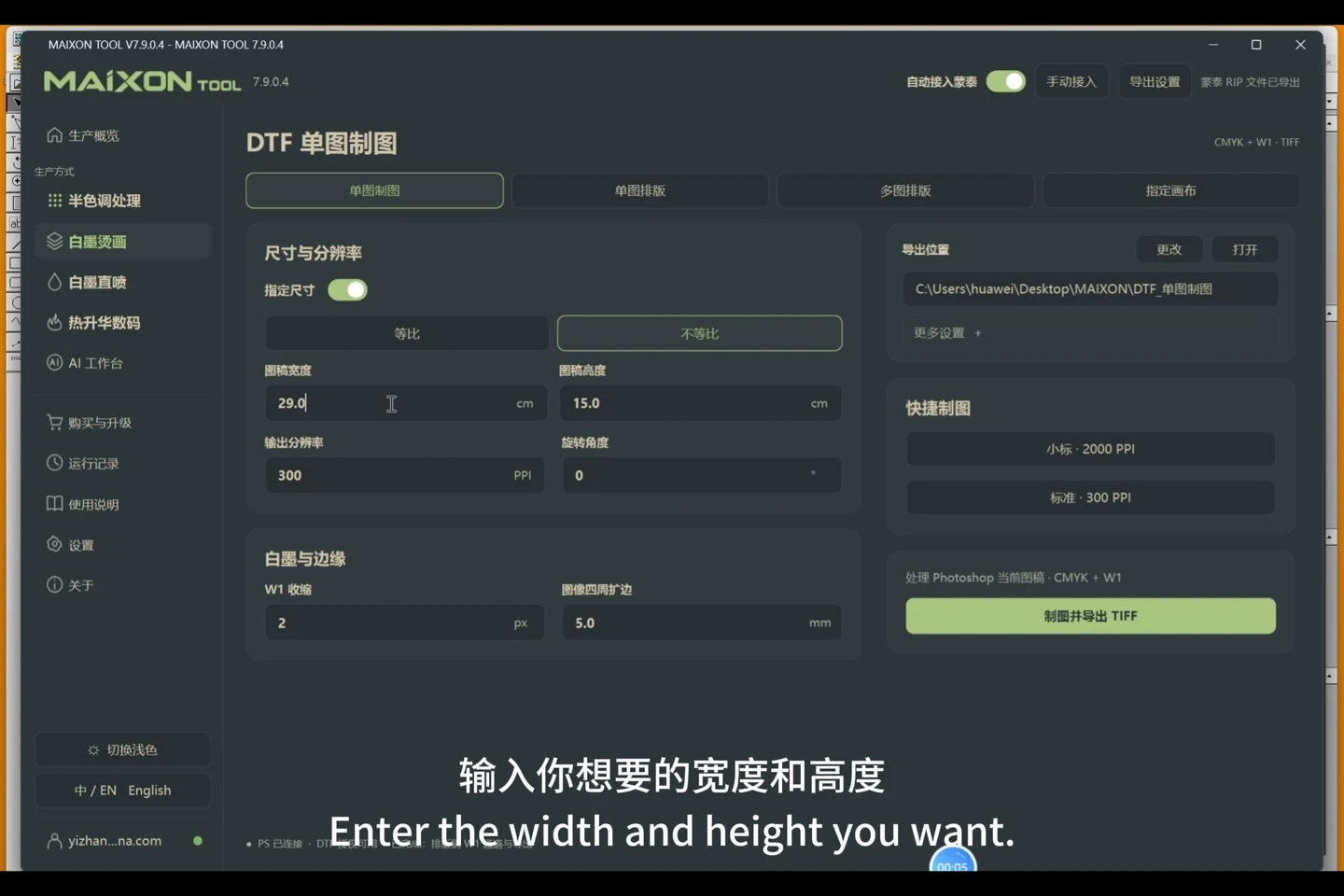
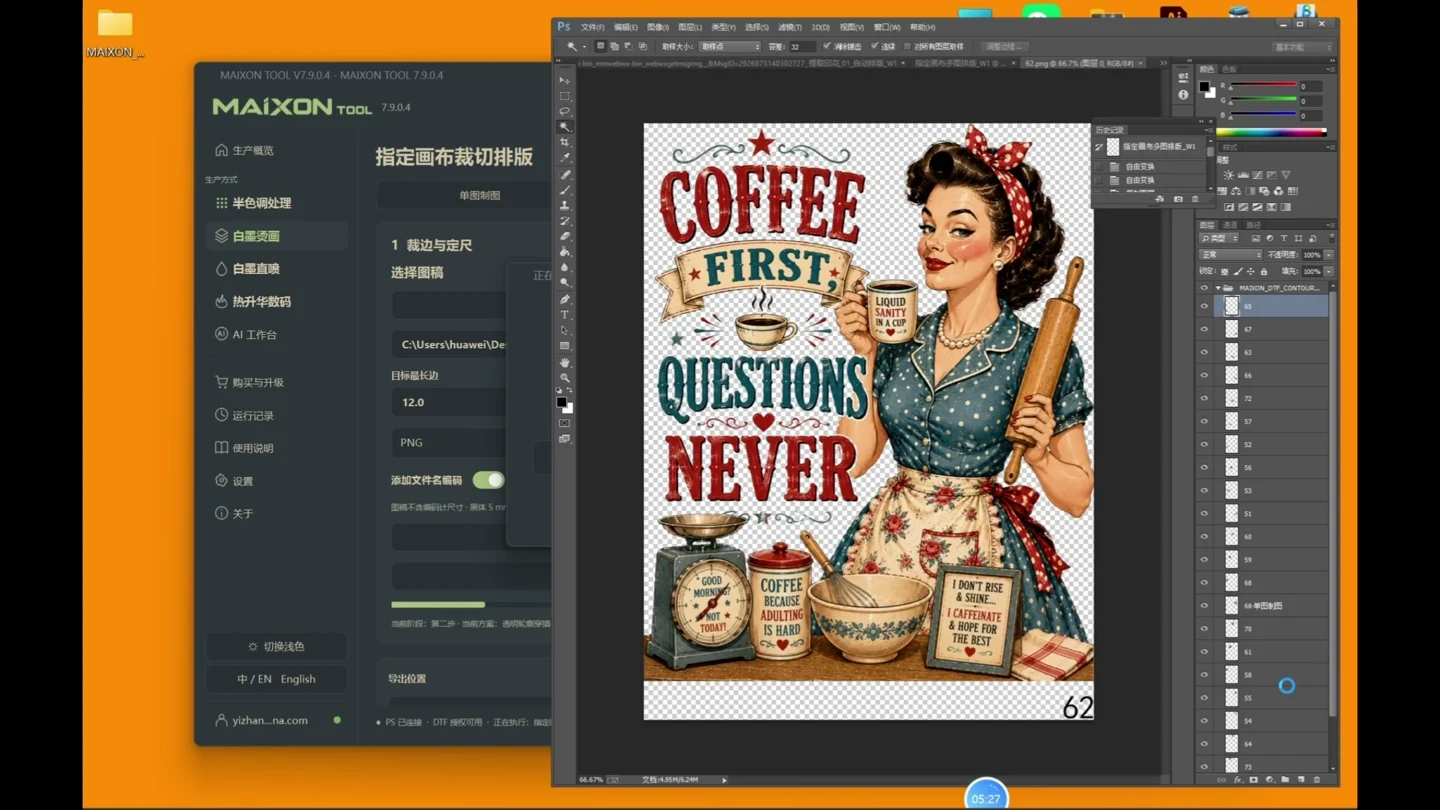
- Choose Single Artwork, Repeated Layout, Multiple-image Layout or Custom Canvas to prepare the job.
- In Photoshop, review quantity, dimensions and edges, then create the white-ink channel and production files.
- Enable automatic integration to continue processing in MainTop.
- Check the MainTop job, artwork direction and output before printing.
Configure first, then enable.
Open the settings beside automatic MainTop integration. Confirm the detected program, output folder and ICC configuration, then enable integration. Review artwork, dimensions and output after each task.