
01
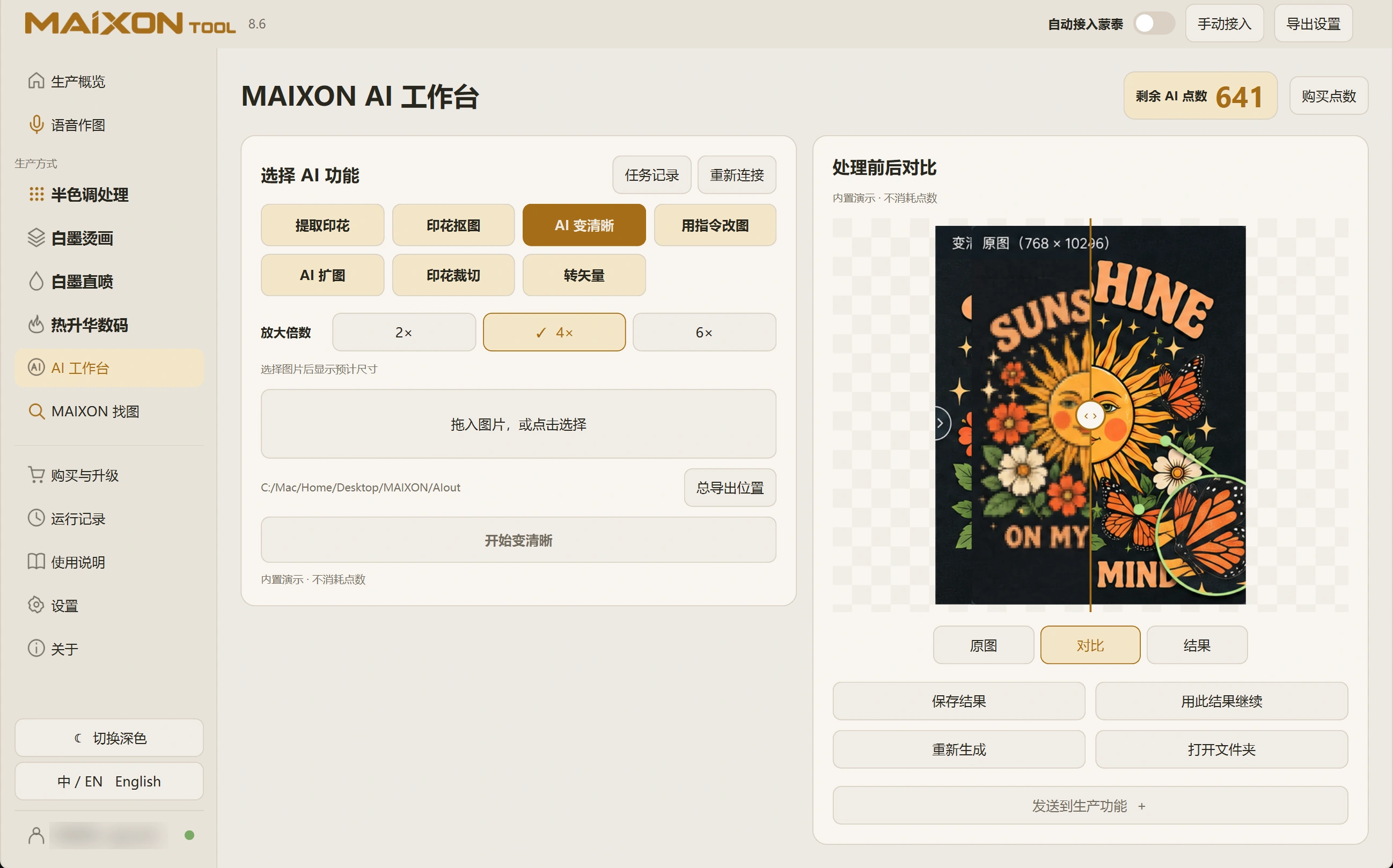
Choose an appropriate factor.
Open Enhance, load the image and select an enlargement factor for the intended use. Review the settings and credit cost before submitting.
A higher factor produces a larger image but does not guarantee correct reconstruction of unclear lettering. Choose with the source quality in mind.
02
Compare details and output size.
Inspect text, fine lines, texture and edges. Use the comparison view to confirm changes still reflect the original design.
Save and check the actual pixel dimensions. Physical print size and PPI are still set for the order in the production module.